65" CreateBoard Pro - Product - Midwich
LG 65" CreateBoard Pro
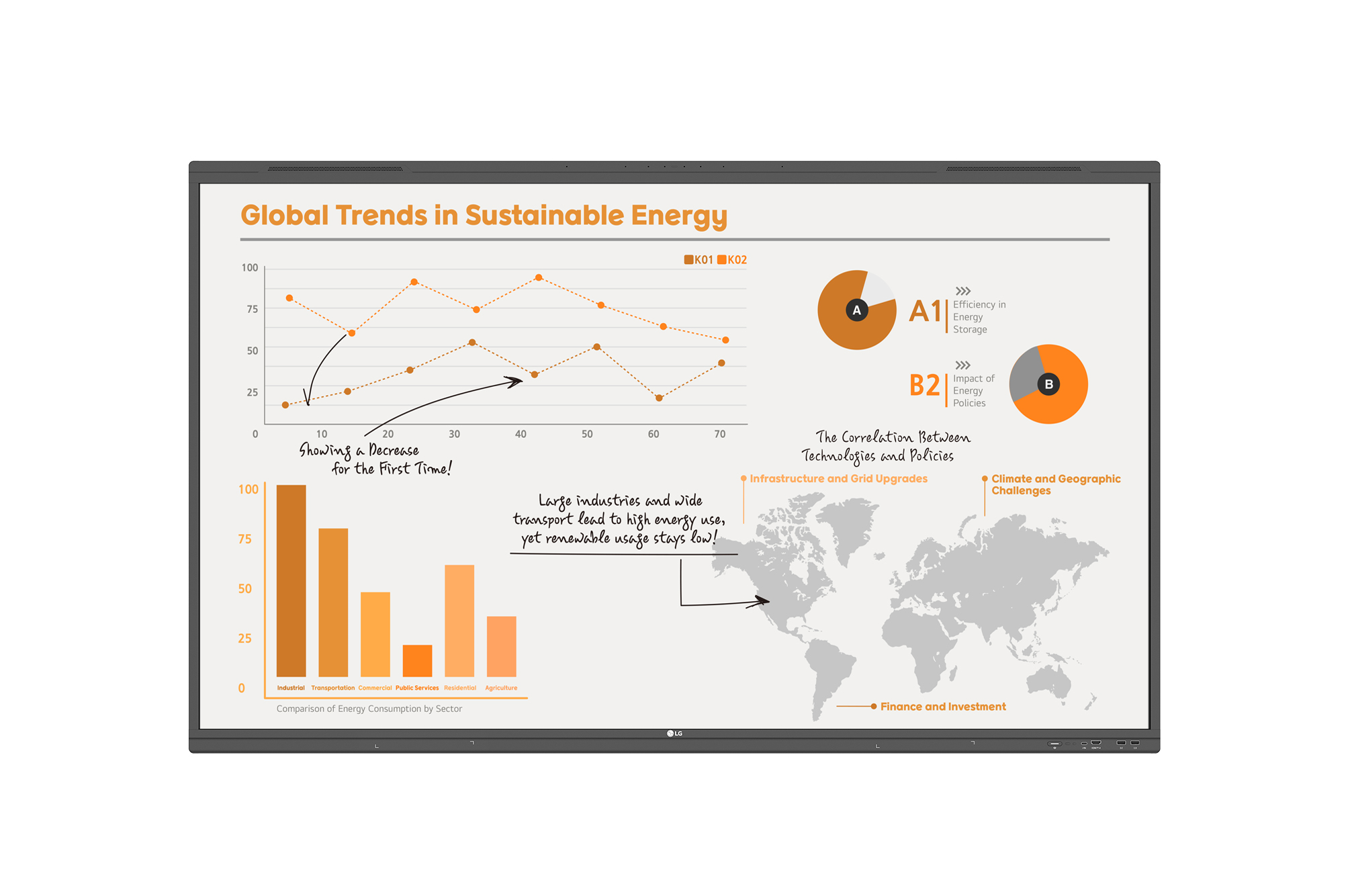
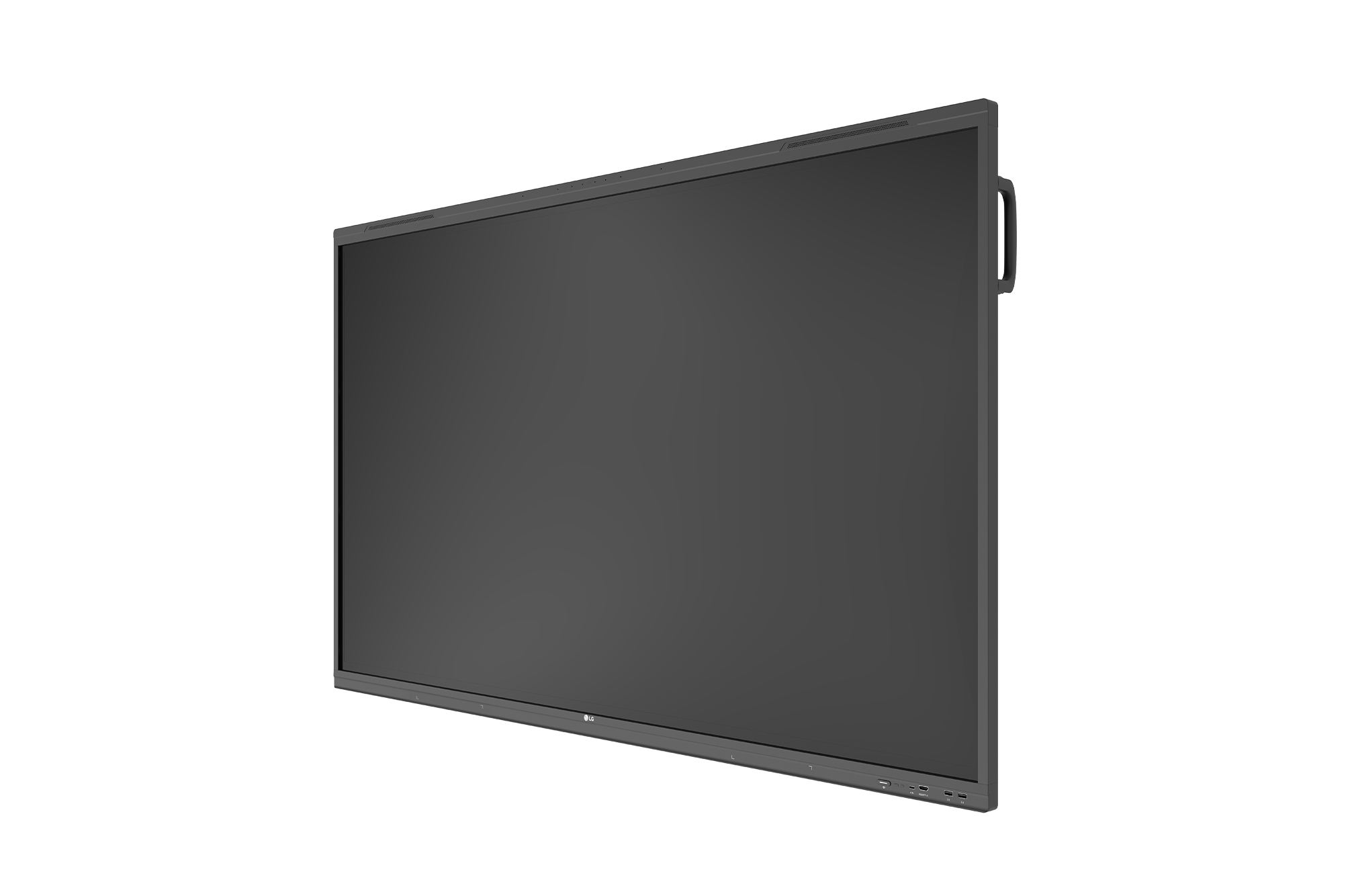
LG 65" IPS Panel, HDMI (4), DP, Audio In/Out, RS232C In, RJ45 In/Out, USB, WIFI, Android 13 - 65TR3PN-B
Why LG CreateBoard Pro?
Google Certified - Amazing Sound - Silky Smooth Touch - ELGi AI Helper to Boost Productivity
The LG CreateBoard Pro offers a lifelike touch experience, allowing users to interact with content directly on the board. You can write, draw, zoom, and rotate using your fingertips. With screen and content sharing, CreateBoard Pro is an effective tool for collaborative projects and presentations. You can even utilize CreateBoard Pro like a giant touch-screen version of the laptop that you’re used to. With the ChromeOS OPS or Windows OS OPS, simply sign into your account for access to your custom settings, folders, apps and more.
Key Features
- Smarter: Built-in AI
- Google Mobile Services Authorized
- Better Sound: Top mounting speakers for better broadcasting
- Smooth Writing: Enhanced writing capability with 50 touch points
- Ready to create with CreateBoard Lab™ & share with Createboard Share
- Ready to Manage: LG ConnectedCare
- Resolution: 3,840 × 2,160 (UHD)
- Brightness: 400 nit (w/o Glass Typ.)
- Multi-Touch Point: Max. 50 Points
- OS Ver.: Android 13
- Interface (Input): HDMI (4, HDCP2.3), DP (1, HDCP1.3/2.3), Audio (1), RS-232C (1), RJ45 (1, LAN), USB Type-C (2), USB 3.0 Type A (4), USB 2.0 Type A (3)
- Interface (Output): HDMI Out (1), Audio Out (1), Touch USB 2.0 Type A (2), RJ45 (1, LAN)
Microphone Array
CreateBoard Pro is packed with extra features like the built-in microphone array located at the top of the board. Whether you are recording a lecture, teaching to online students or simply taking notes, the CreateBoard Pro microphone is sure to be an everyday feature.
Quadraphonic Sound
The quad speakers provide a three-dimensional clearer and louder sound than traditional 15W display speakers. Whether you’re playing a video, music, a pre-recorded lesson or have online students on the other side, the CreateBoard Pro sounds perfect in the classroom environment.
LG CreateBoard Lab
LG CreateBoard Lab™ offers a variety of educational templates and teaching tools such as a ruler, table, and sticky notes, allowing for active engagement by students and enabling intuitive classes. Editing images and videos becomes easy with LG CreateBoard, and created resources can be easily shared with others through connected cloud devices.
LG CreateBoard Share
LG CreateBoard Share offers a wireless screen sharing feature, providing users with a flexible discussion environment. Users can share their screen from their own devices, simplifying the process of sharing and collaborating on team projects or presentation materials. LG CreateBoard also supports app-less sharing for PC (via website) and mobile devices within the same network. For a more stable connection, LG recommends the installation of a dedicated app (e.g., LG CreateBoard Share).
LG ConnectedCare DMS
LG ConnectedCare DMS is a cloud solution for remotely monitoring, controlling, and managing the status of LG CreateBoard and signage displays. This feature enables IT managers to operate and manage important resources on operating devices without physically visiting sites.
| Shipping | |
|---|---|
| Harmonize code | 8528520000 |
| Master product height | 18.0 |
| Shipping height (in.) | 39.6 |
| Master product width | 5.0 |
| Master carton quantity | 1.0 |
| Country of origin | CN |
| Master product length | 48.0 |
| Quantity unit of measure | EA |
| Shipping width | 64.0 |
| UPC code | 195174087749 |
| Shipping depth | 8.2 |
| Shipping weight | 106.3 |
| Master product weight | 7228.4 |