
EditShare: Get Started With EFS - Midwich
EditShare: Get Started With EFS


This is a series of tutorials from Editshare that teaches you how to store, search, automate, and analyze your assets in EFS and FLOW.
Creating a New User
This tutorial demonstrates how to create new users in Edit Share system. The process involves accessing the management menu, selecting users, and clicking the create new user button. Users need to enter a unique username (preferably lowercase without special characters), assign a secure initial password, and click create. The system supports both local account management and Active Directory integration, providing centralized and efficient user management capabilities.
Downloading ZeroTier and Connecting
This tutorial guides users through the process of setting up ZeroTier VPN to enable secure remote access to Edit Share media servers. The walkthrough covers obtaining a network ID from administrators, downloading and installing the ZeroTier client, configuring the VPN connection in Edit Share Connect, and troubleshooting authorization issues. Once properly configured, users can access their media spaces remotely just as they would on-site, with performance limited only by internet speed and latency. The tutorial emphasizes the secure nature of the connection and mentions that most users can edit using streaming proxies for high-resolution footage.
Adding Content to a Space
This promotional content explains Edit Share's media space feature, which functions like a physical hard drive for collaborative file management. Users with read-write access can perform standard file operations like drag-and-drop, copy-paste, and folder creation, while read-only users can browse and copy files. Once files are added to a media space, they become instantly accessible to all team members across Mac, Windows, and Linux platforms, eliminating the need for physical file transfers. The system enables real-time collaboration where team members can rename, move, and organize files together, though communication is important since changes affect the entire team. Edit Share positions this as a storage solution designed to match natural workflow patterns.
Checking Storage and Quotas
This video demonstrates how Editor Connect provides users with clear visibility into their storage usage across media spaces, showing both total quota and used space in an easy-to-read format. The system includes warning notifications when approaching storage limits and offers options to clear content or request quota increases. Additionally, administrators can grant limited admin rights to users, allowing them to manage quotas, add or remove users from spaces, and create new spaces directly within Edit Share Connect, providing greater flexibility and control for media management workflows.
Logging in to EditShare Connect
This video demonstrates how to use Edit Share Connect to access media spaces on both Windows and Mac systems. The process begins with launching the app and entering server credentials provided by an admin. Users can then select and mount their assigned media spaces, which appear as network drives. The tutorial covers platform-specific steps including drive letter selection on Windows, EFS protocol selection on Mac for optimal performance, and how to configure Finder settings to display media spaces on the desktop and sidebar. The content emphasizes the simplicity and instant accessibility of the Edit Share Connect system for media workflow management.
Adding Custom Metadata Fields
Creating Metadata Templates
Adding Markers
Running an Automation

This video demonstrates Flow Automation's key feature that makes powerful workflows easily accessible through right-click functionality. The content explains how administrators can activate automations with external triggers, making them available in the automations menu when users right-click on assets. The video emphasizes the convenience of not needing separate apps or IT support, allowing users to start automation jobs immediately while continuing their work. It highlights the versatility of running automations on various asset types including single assets, groups, folders, media spaces, and flow projects, positioning Edit Share as having ready-made workflow solutions.
Install Flow Panel in DaVinci Resolve
This tutorial provides step-by-step instructions for installing and configuring the FLOW Panel integration for DaVinci Resolve Studio. It begins by clarifying that FLOW Panel only works with the Studio version of DaVinci Resolve, not the free version. The process involves downloading the FLOW Panel installer from the EditShare Server's landing page, completely shutting down DaVinci Resolve before installation, and granting all necessary permissions during setup. Once installed, users can access the FLOW Panel through the workspace menu under workflow integrations, where it opens as a floating window. The final step involves entering the EditShare server credentials to connect to media spaces, providing instant access to media assets without leaving the Resolve project.
Install Premiere Pro Panel
This tutorial provides step-by-step instructions for installing EditShare's FLOW Panel extension in Adobe Premiere Pro. The process involves downloading the FLOW Panel ZXP file and Anastasi Extension Manager from the server's landing page, completely shutting down Premiere Pro, using the extension manager to remove any old versions and install the new panel, then accessing the panel through Premiere Pro's Window menu. Once installed, users can connect to their EditShare server using their credentials to access media spaces directly within their creative workspace, enabling seamless Adobe integration.
Guardian Auditing Dashboard

EditShare Guardian is presented as a comprehensive digital tracking solution that monitors and records all file interactions. The product features a dashboard for viewing system state and an audit log for investigating activities within the last 24 hours. Users can apply search filters to narrow their focus by time range, specific actions like deletions, users, or IP addresses. The solution helps identify exactly when files were removed or moved, providing detailed data to resolve security issues and investigate file activities with confidence.
Guardian Overview
This promotional video introduces EditShare Guardian, a comprehensive server monitoring and file auditing solution. The system provides real-time visibility into server performance through a central dashboard that tracks CPU, memory, disk, and network utilization across entire clusters. Guardian also offers detailed file auditing capabilities that monitor user interactions, login activities, media space access, and file operations. The platform includes powerful filtering tools for investigating anomalies, tracking storage usage, and managing network demand. The video positions Guardian as a proactive solution for accountability and system management, turning complex data into actionable insights for IT professionals.
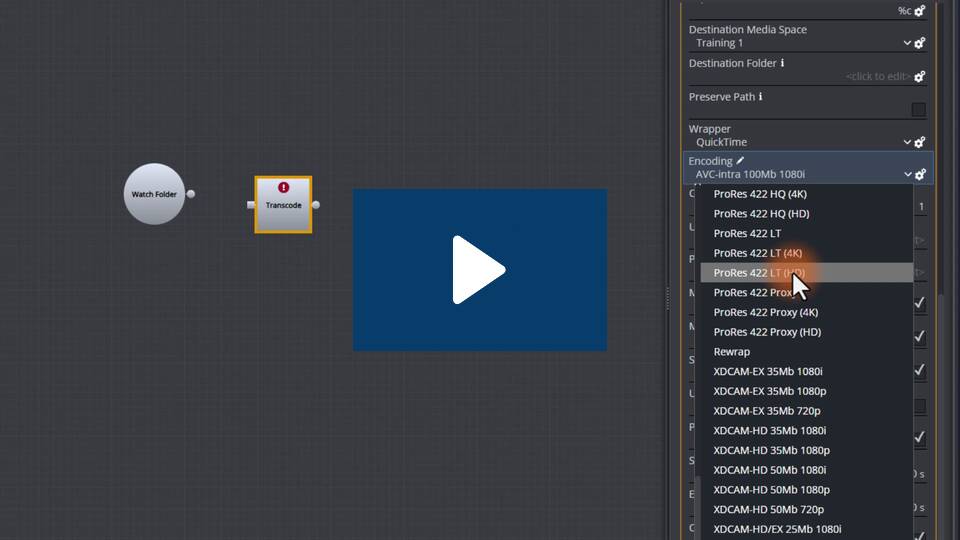
Admin Setting Up Automation Templates
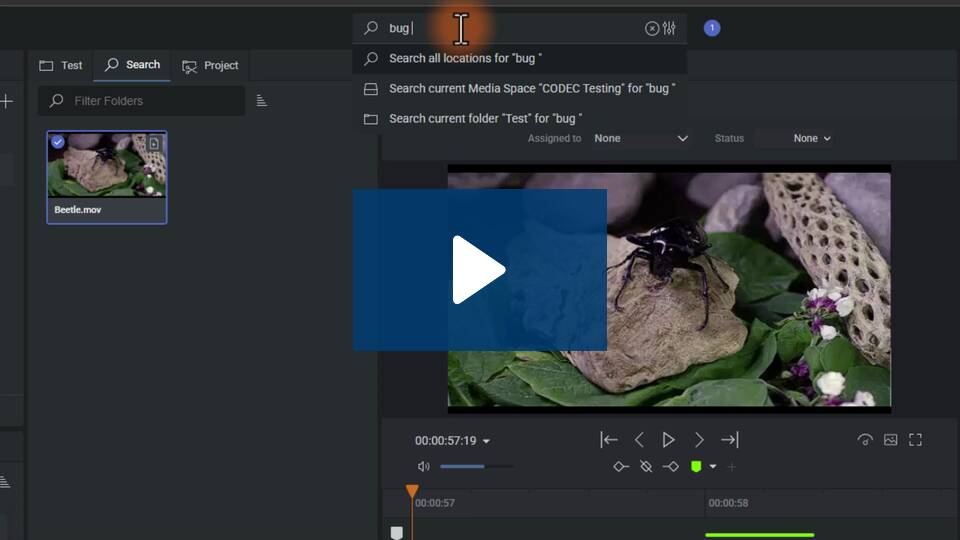
User Search by Terms
For Store Admins
Creating a Media Space
This video demonstrates how to set up a production environment using EditShare by creating media spaces in EFS Control. The tutorial walks through the process of navigating to the Media Spaces page, creating a new space with a descriptive name, choosing between Avid style for Media Composer integration or unmanaged for non-Avid workflows, selecting storage goals and setting quotas. The video emphasizes EditShare's flexibility in organizing storage to match different workflow requirements and encourages viewers to explore the full range of EFS administrative tools.
Assigning Access to Your Team

This tutorial walks through the final step of setting up team collaboration in EFS Control by assigning user access to project volumes. The process involves selecting users, clicking the Drive icon, choosing between read-write or read-only permissions, and adding access. Once authorized, users can automatically see their assigned spaces when they log into EditShare Connect and mount drives. The content concludes by promoting EditShare's collaborative workflow solutions and encouraging users to visit their product page for more administrative tools.